What is the reminder email, and how do I edit it?
The Reminder email is a service Contacts America provides to all of its customers. Our system keeps track of the lenses and quantities that you order, when our records show that your prescription is running low we send you an email to remind you of this fact. Since everyone wears their lenses differently, you can change the date that this email is sent in order to best serve your own wearing schedule.
In order to edit / alter this date:
-
Visit the My Account Login Page
- Log in to your Account
- Click on the Reorder Reminders link
- Review the List - looking for the prescription you are interested in
- Click on the 'Change' link beneath the lens name you want to edit
- Edit the date
- And click "Continue"
- For additional problems, contact our Customer Service Department
Place an Order or contact Customer Service 24/7 at:
1-800-570-LENS (570-5367)
-
100% Customer Satisfaction

If you're not 100% satisfied with your Contacts America purchase, we'll cheerfully refund all your money. Complete Details
-
Need to send back contact lenses? No problem, no hassles. Just give us a call. Complete Details
-
Shop with Confidence
All personal information that you submit is encrypted and secure.
-
We guard your information with the highest level of security tested daily.
-
All major payment methods accepted
-
Spam-free Email

All your email preferences can be managed from the 'My Account' tab at the top of the page.
-
Your Lenses are Ready
With over 23 Million contact lenses in stock, we immediately fill your order with your exact prescription.
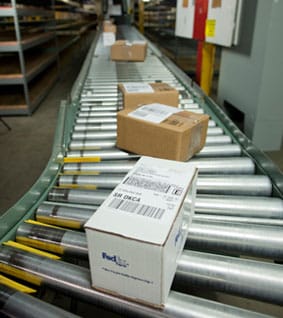 Over 4.5 million successful orders delivered!